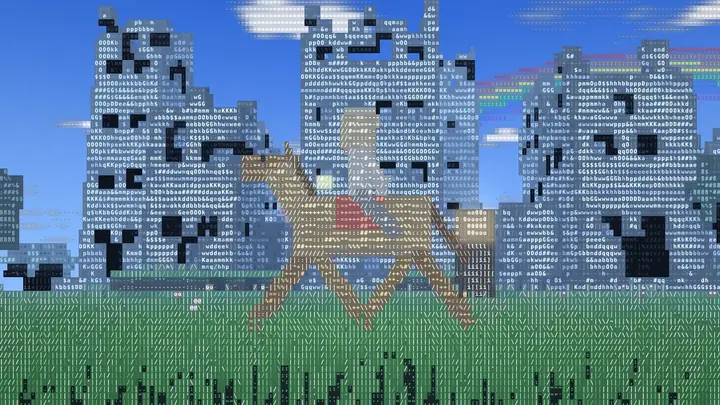
Video: A montage: a rider gallops across a meadow, the village changes through several looks, and the sun sets over the village.
A free browser game by Glitchbug Studio
Glitchcraft
A block world drawn in letters, ink or light.
The game
A block world drawn in letters
Glitchcraft is a survival and building game set in a world of blocks, and everything in it, from the grass to the clouds to the creatures, is drawn in letters and symbols. Seven themes redraw that world: a comic book with bold outlines and a POW! for every hit, an ink painting on paper, a black-and-white noir, the green glow of an old terminal, neon glitch, a glowing forest that never sees the sun, and the classic look it started with.
Play in survival or creative. Mine and smelt, craft tools and armour, farm, enchant and brew. Villages are full of people with jobs to trade with, and iron golems keep them safe. Saddle a horse and ride. Build an ember gate to reach the Emberdeep, a cavern of lava crossed by fortress bridges, then find the star gate to the Starfall Isles, where the Gloam Dragon circles over its crystals.
Glitchcraft Lite, the free web edition, is a single page that runs in any up-to-date browser on a computer, tablet or phone. There is no install, no account, no ads in the game, no chat and no tracking, and saves stay in your own browser.
- Survival and creative modes, with four difficulties (Peaceful, Easy, Normal, Hard)
- 113 crafting recipes and 22 smelting recipes, all listed in the in-game guide
- 25 enchantments, and a brewing stand for potions
- Villagers with 11 different jobs to trade with
- Horses to saddle and ride, no taming needed
- Day and night, weather, thunderstorms and lightning
- The Gloam Dragon, a flying boss with 200 health, healed by star crystals
- Touch controls on phones and tablets
- 7looks to switch between
- 3worlds to explore
- 28kinds of creatures
- 0installs, accounts or ads
Seven looks
One world, seven ways to see it
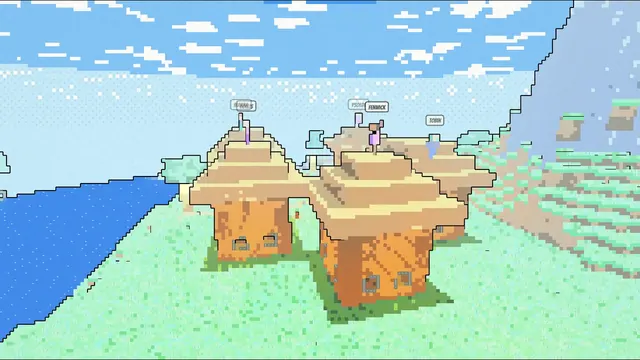
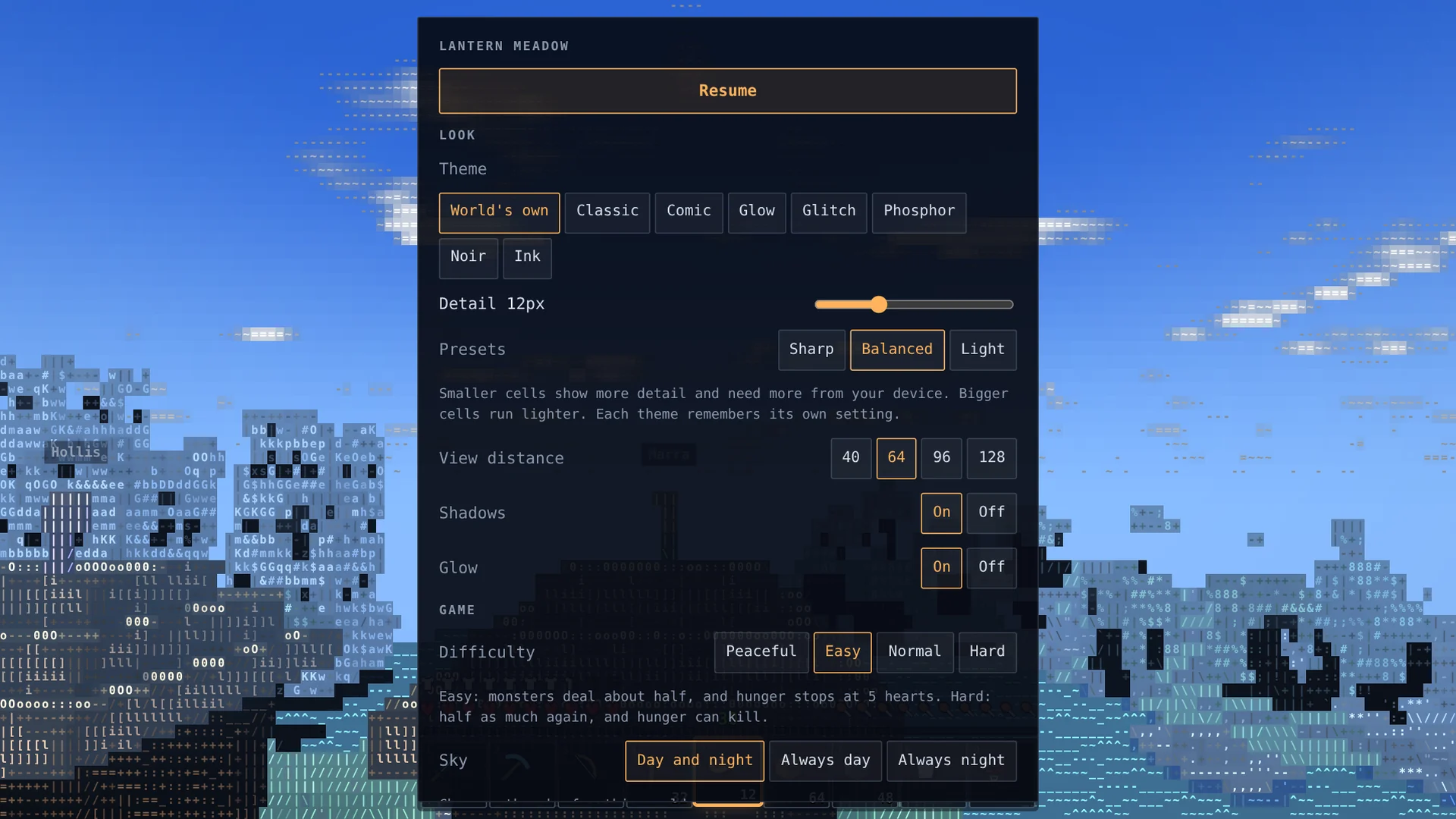
Change the look at any time from the menu. The world, the creatures and the menus all change with it. Here is the same village in each one.
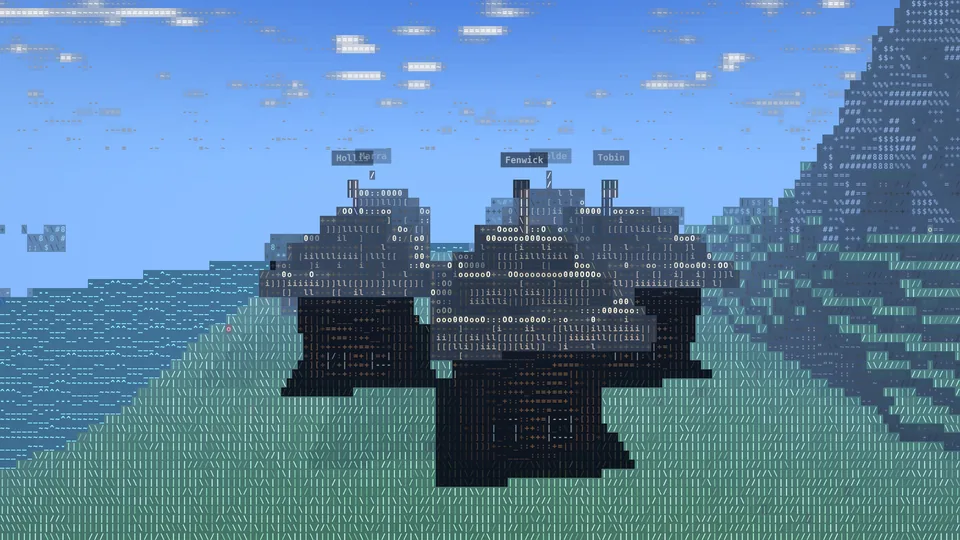
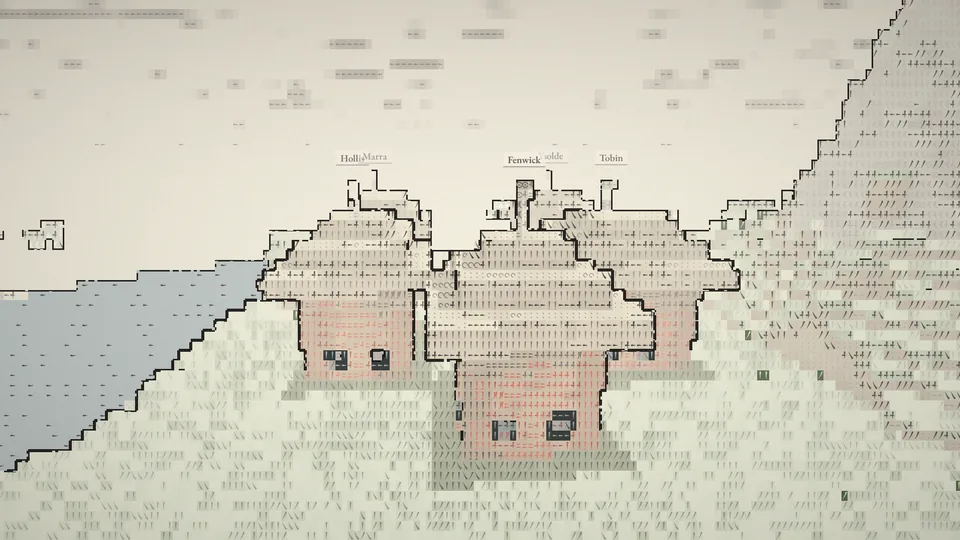
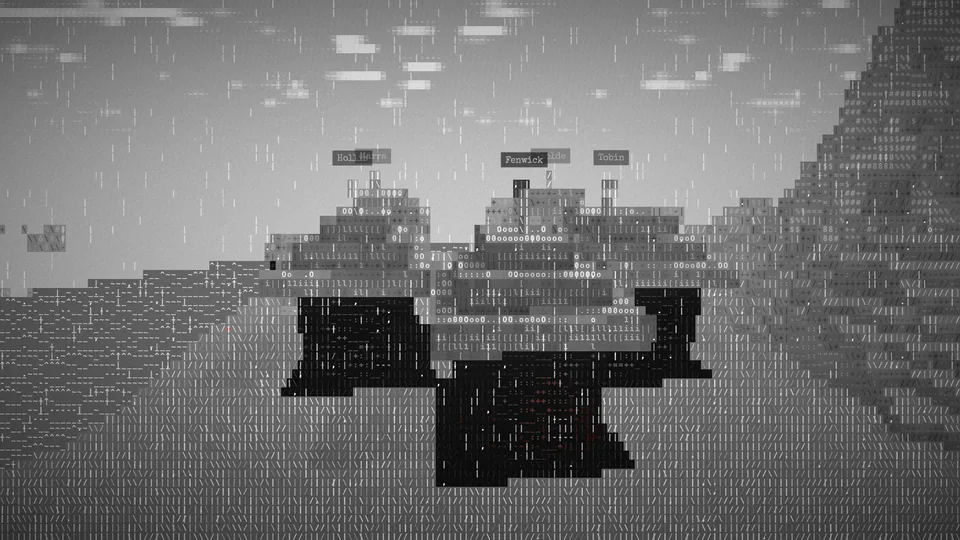
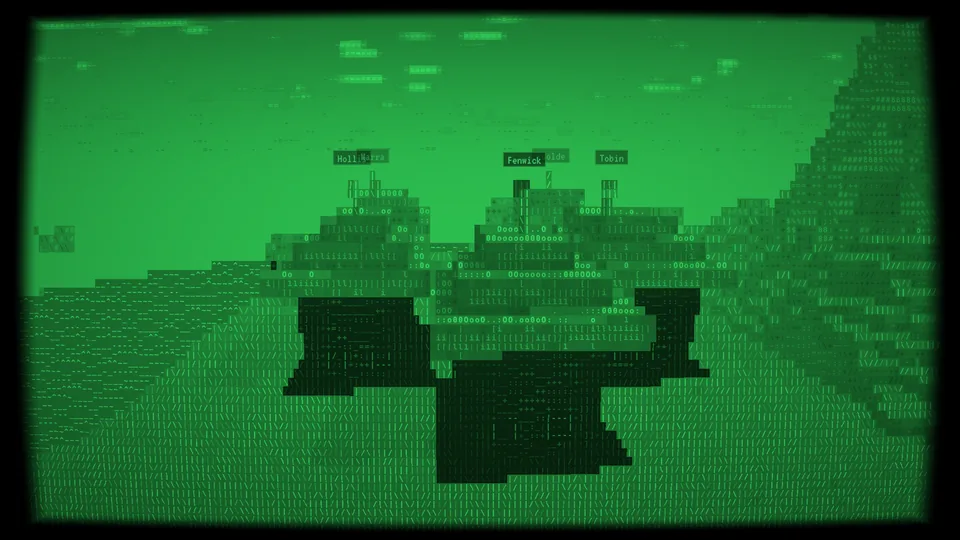
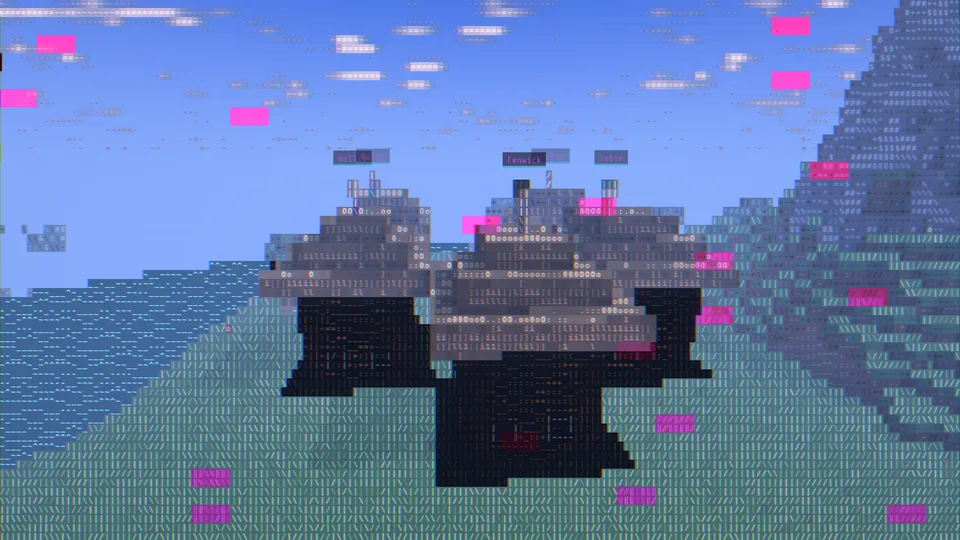
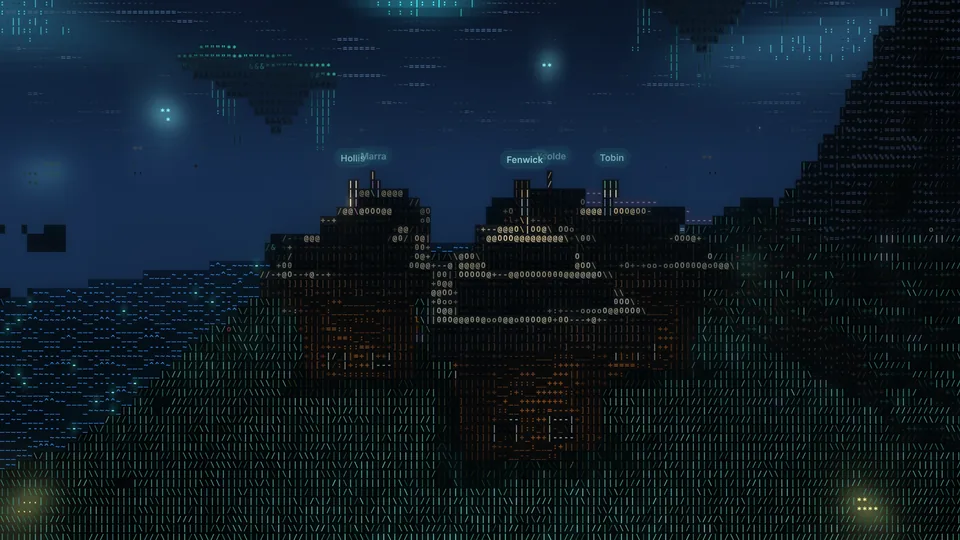
Classic. The original look: every block, cloud and creature drawn in letters and symbols.
Video: The camera circles a village while the look changes every second: Classic, Comic, Ink, Noir in the rain, Phosphor, Glitch and Glow.
What you can do
Gather, build, explore, survive
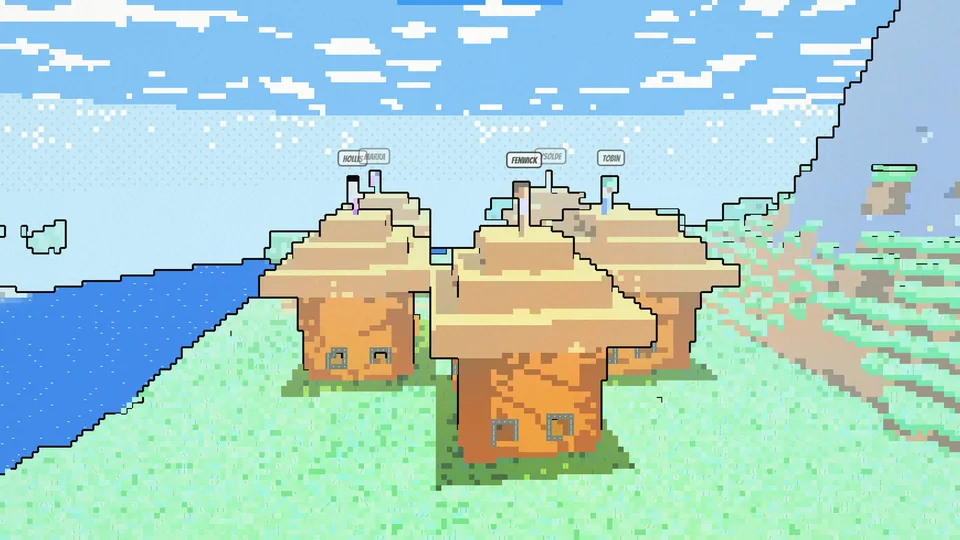
Seven looks, one world
Switch between seven themes whenever you like. The world, the creatures and even the menus are redrawn.
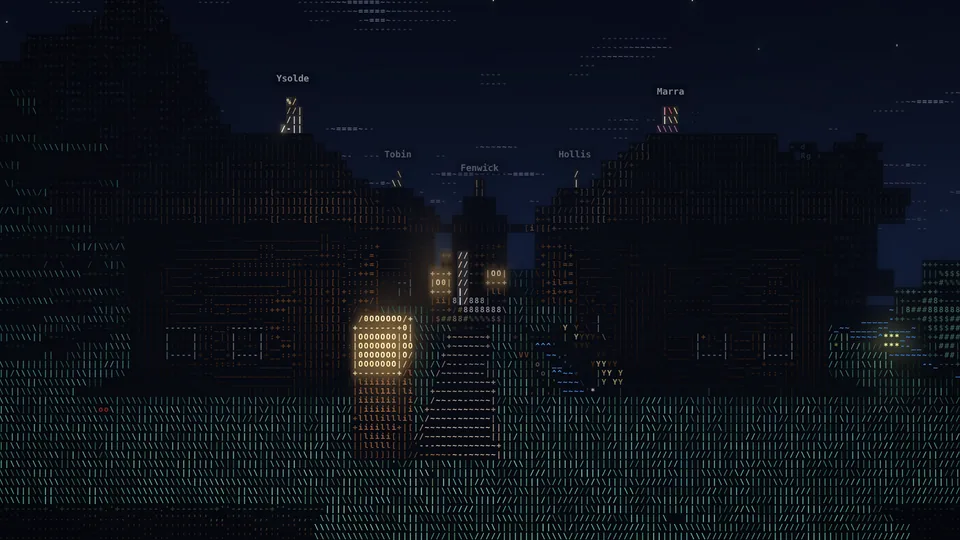
Survive the night
Hunger, health and monsters that come out after dark. Build a shelter, light it up, and sleep in a bed to skip the night.
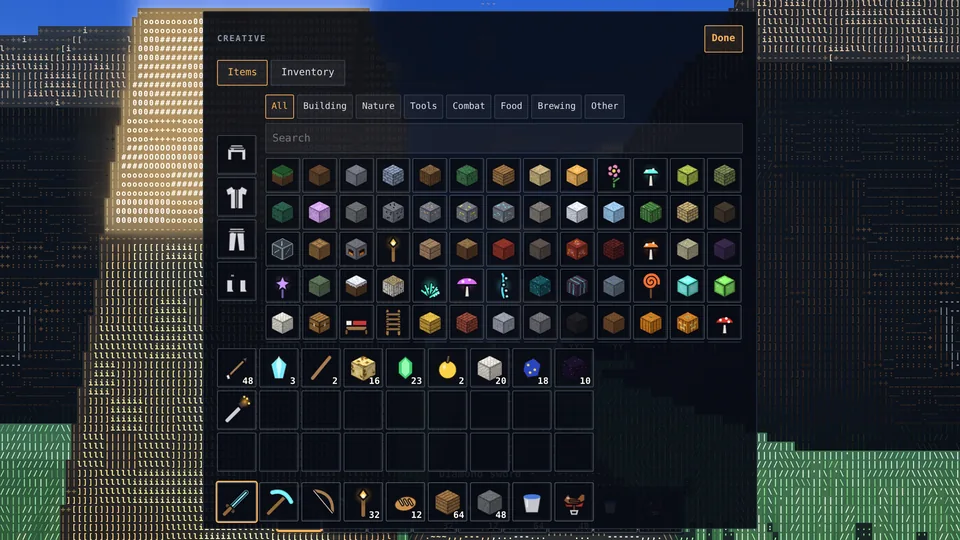
Build anything
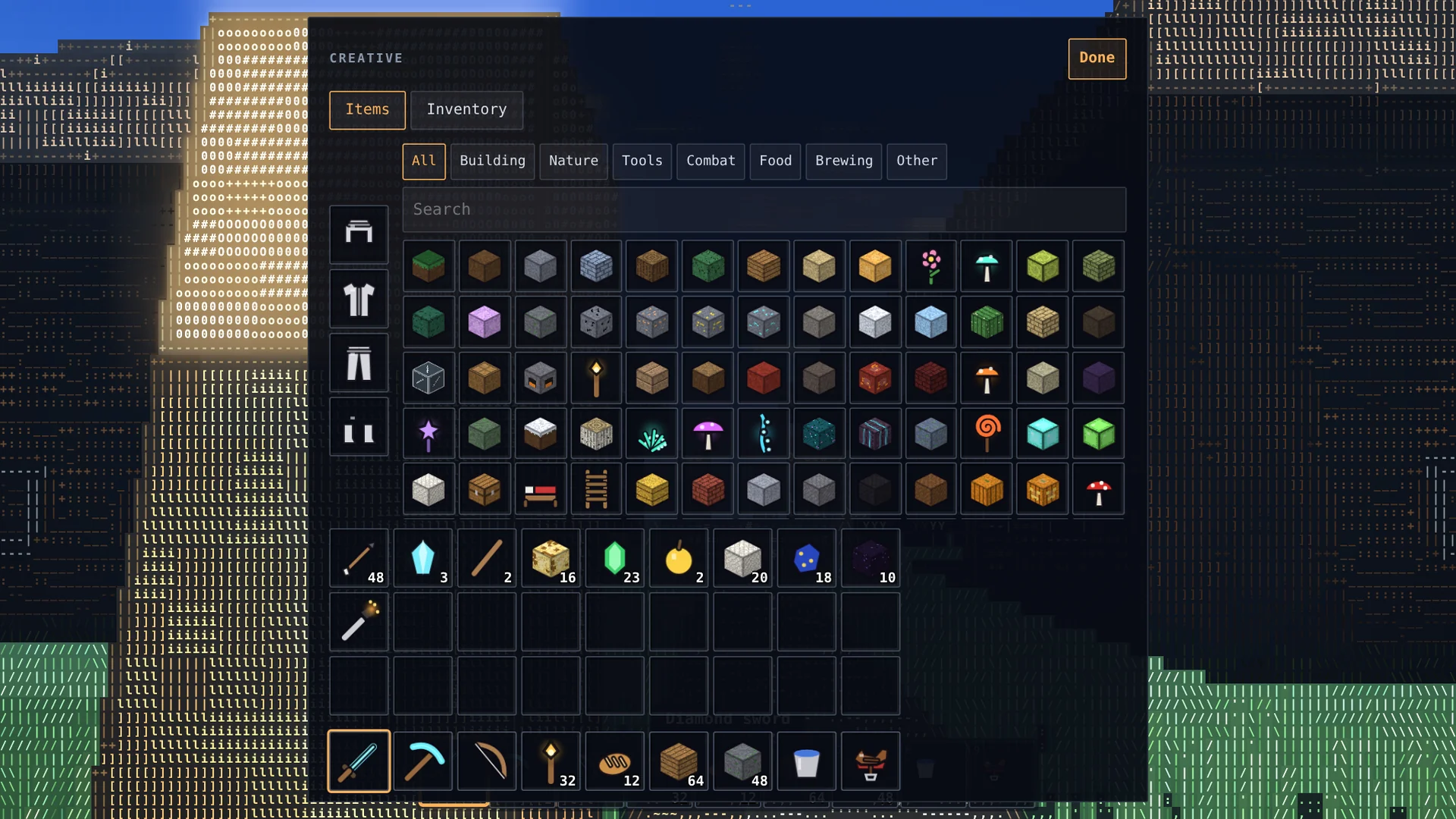
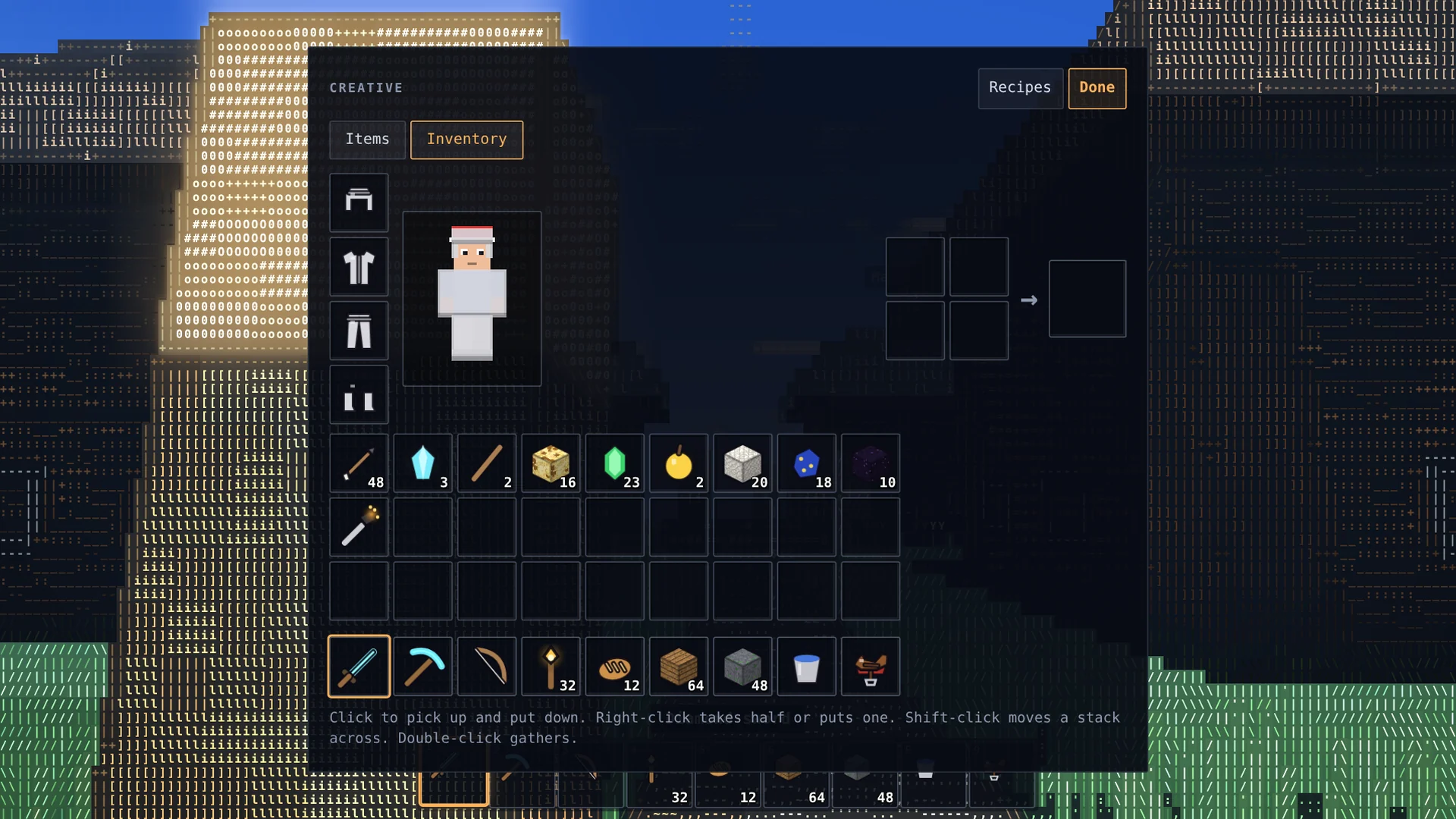
Creative mode gives you every block, flight, and a full inventory with armour slots and a crafting grid.
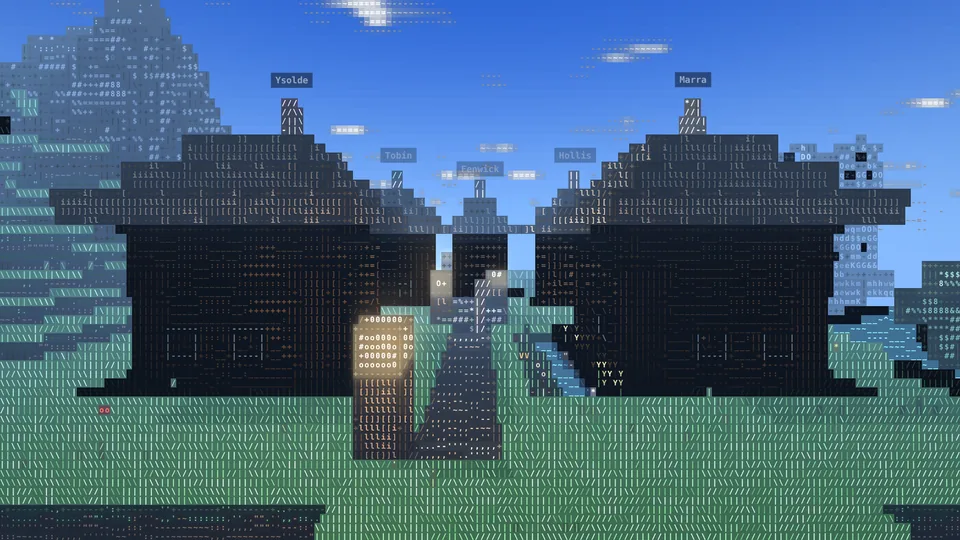
Villages and trading
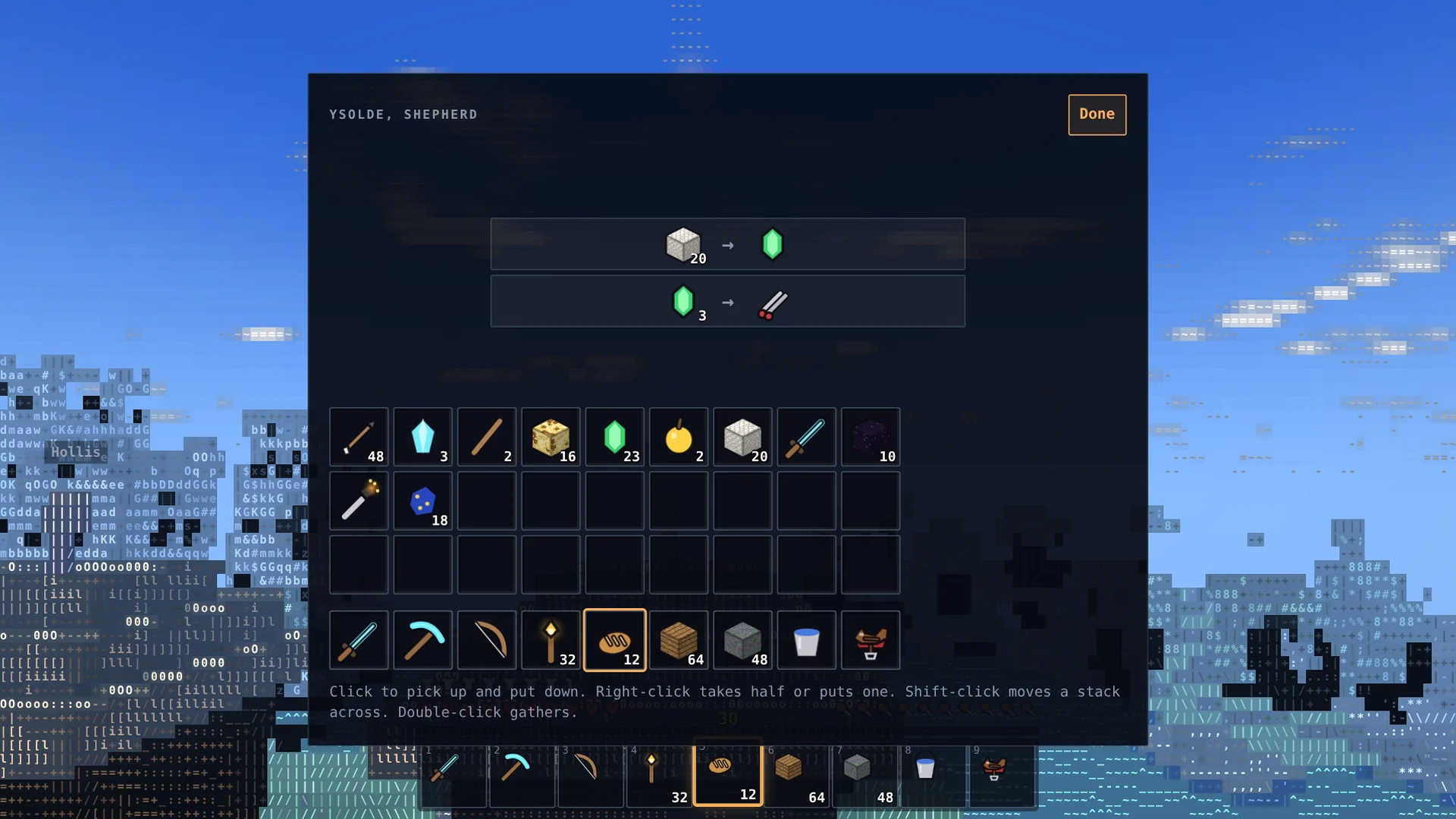
Villagers work 11 different jobs. Trade emeralds for their goods while iron golems keep the monsters away.
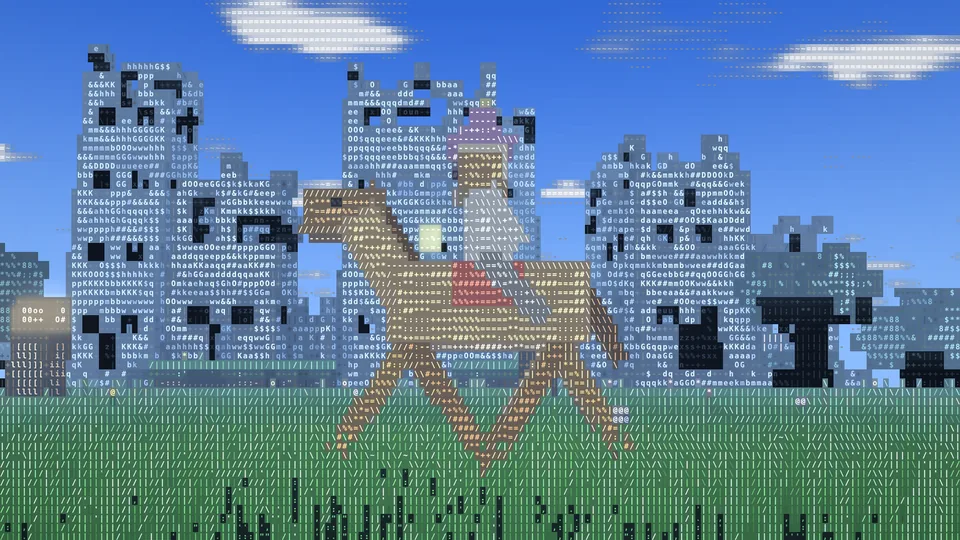
Saddle up
Put a saddle on any grown horse and ride. Horses run about twice as fast as you walk and jump two and a half blocks.
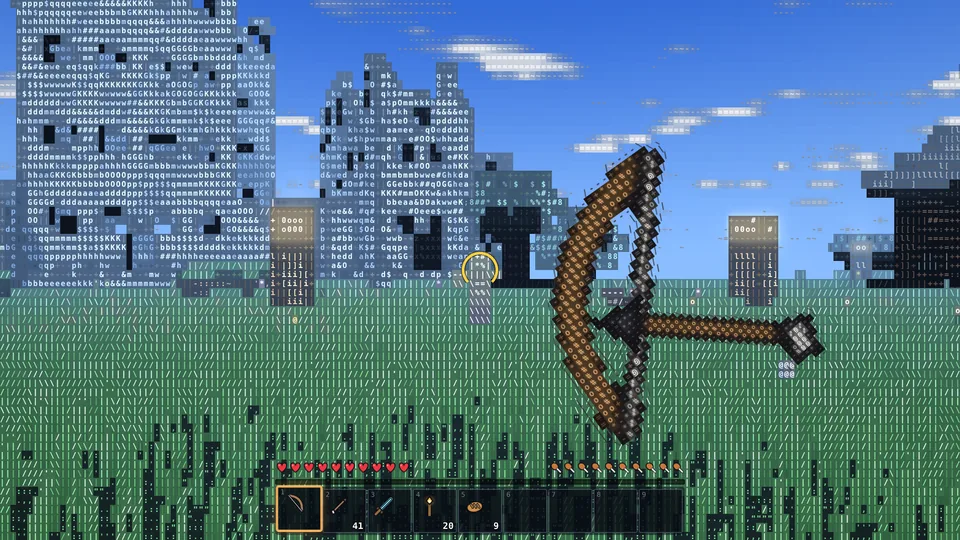
Bows, swords and armour
Every click is a blow. Draw a bow until the ring turns gold, raise a sword to block, and wear armour from leather to diamond.
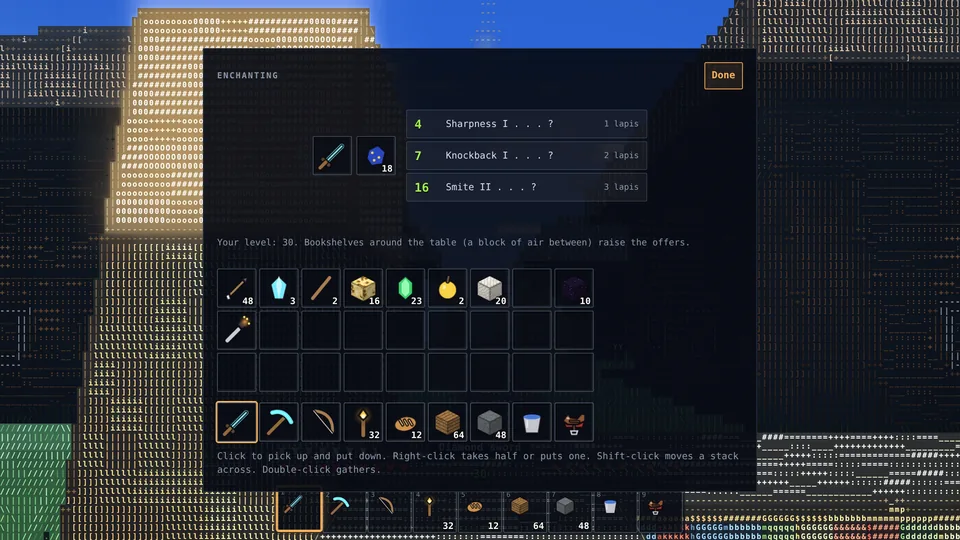
Craft, enchant, brew
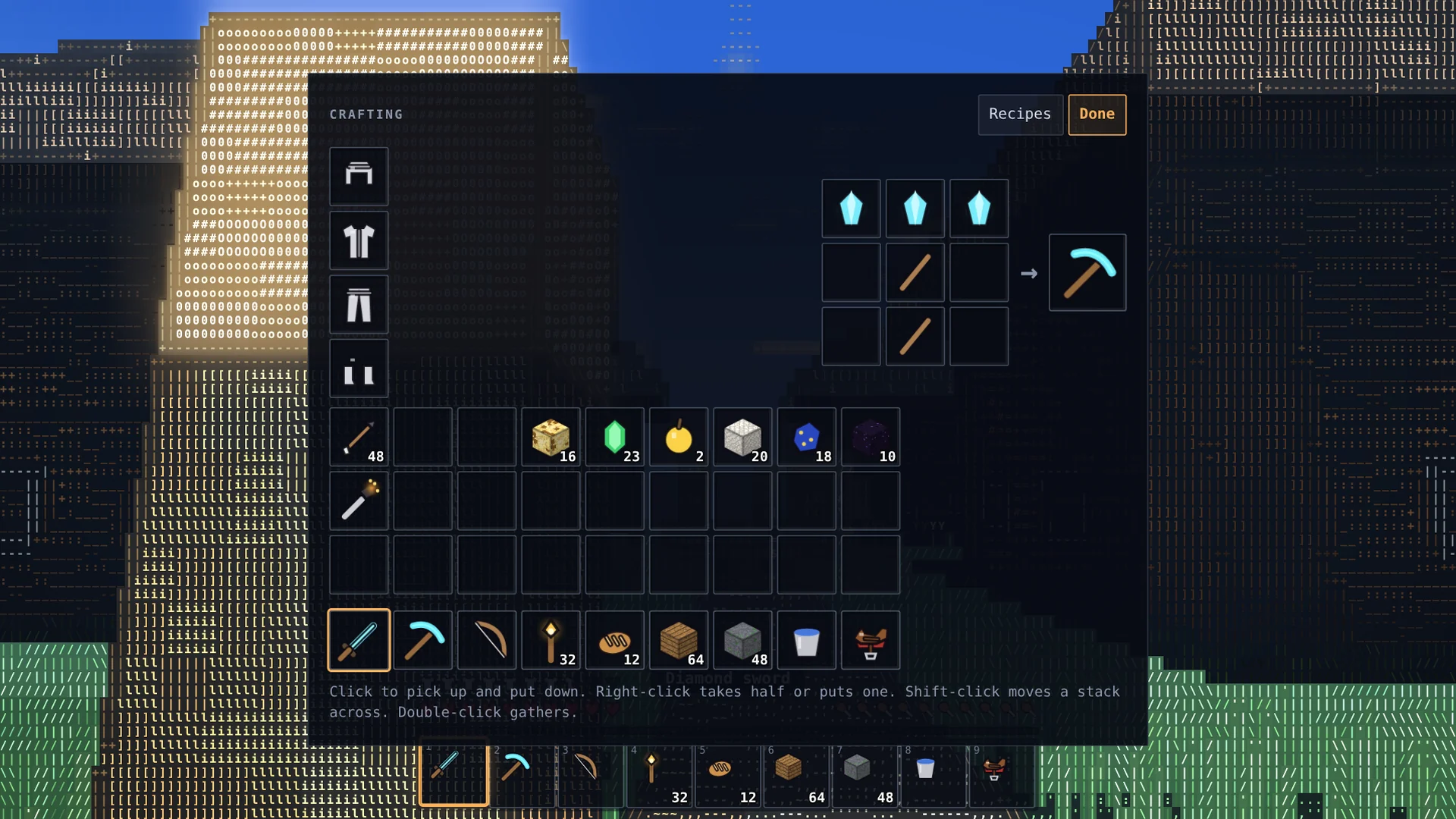
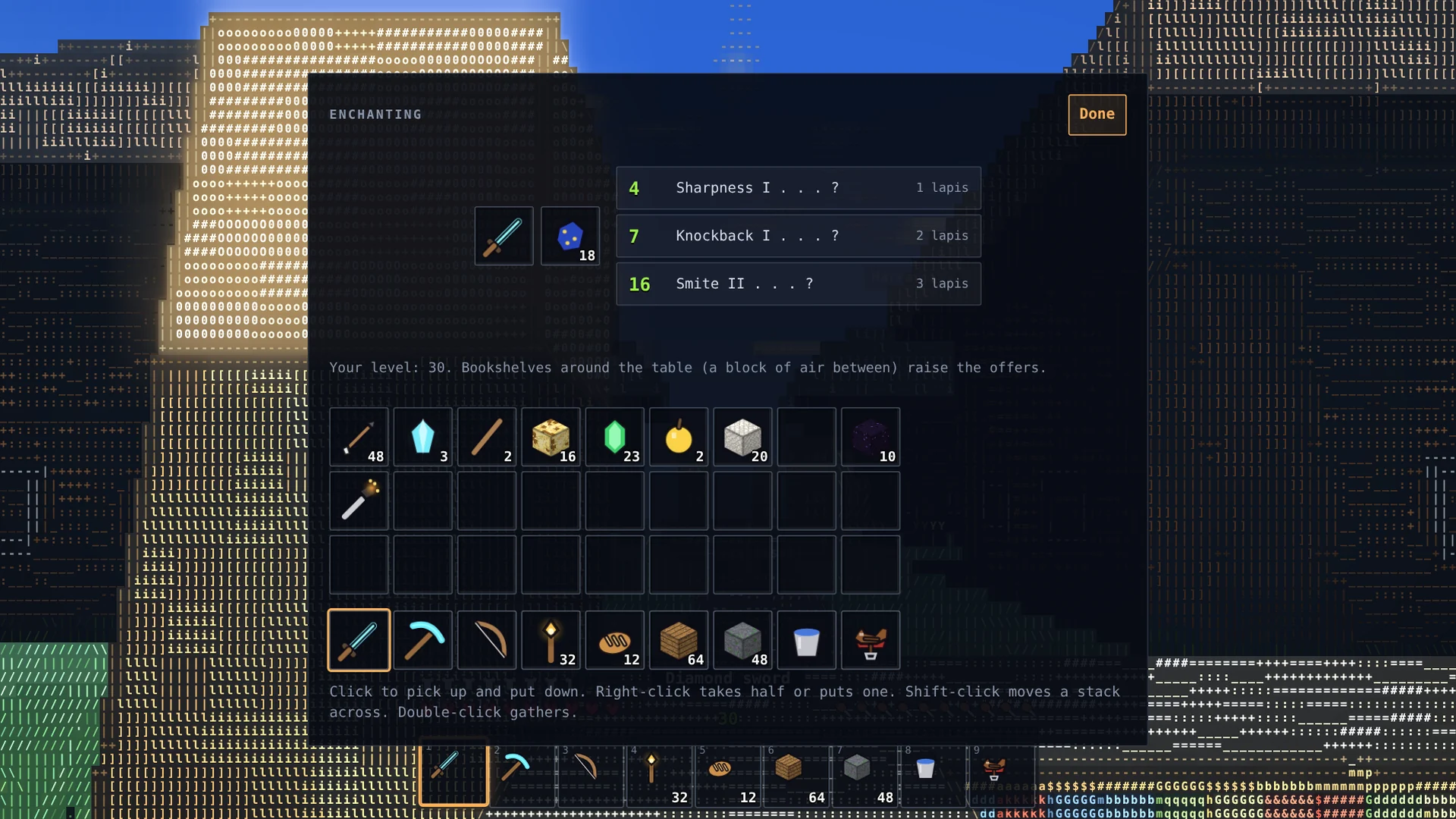
113 crafting recipes, 22 smelting recipes, 25 enchantments and a brewing stand. A built-in guide lists every recipe.
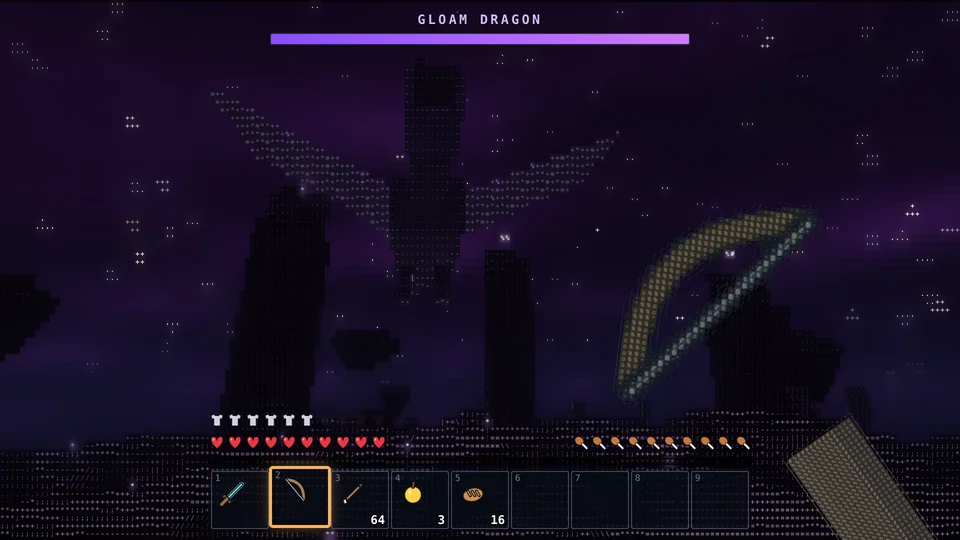
Face the Gloam Dragon
A flying boss with 200 health, healed by star crystals on the pillars. Break the crystals first, then shoot it as it circles, or strike when it swoops down or lands.
Three worlds
Past the meadows, through the gates
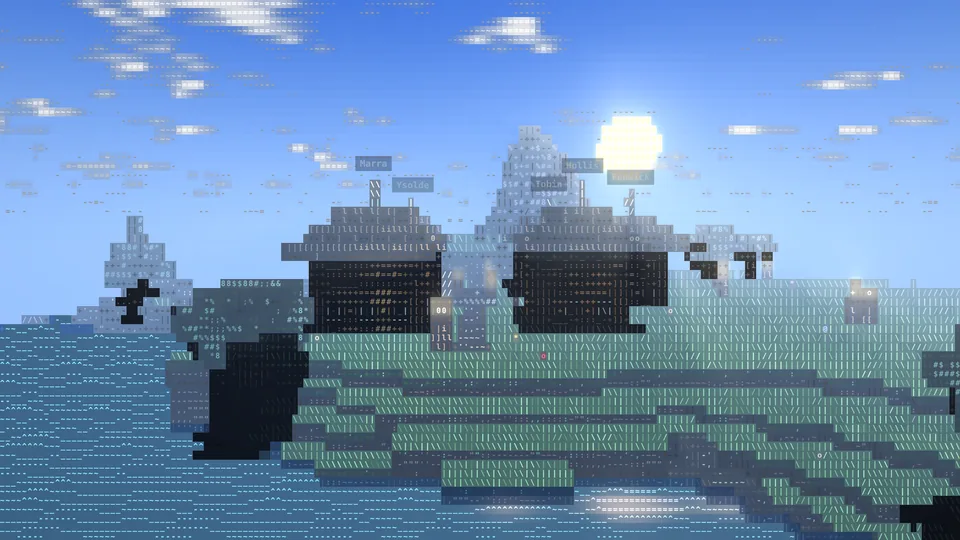
World 1
The Overworld
Meadows, mountains, lakes and forests, with villages to find. The days are bright, and the nights belong to the monsters.
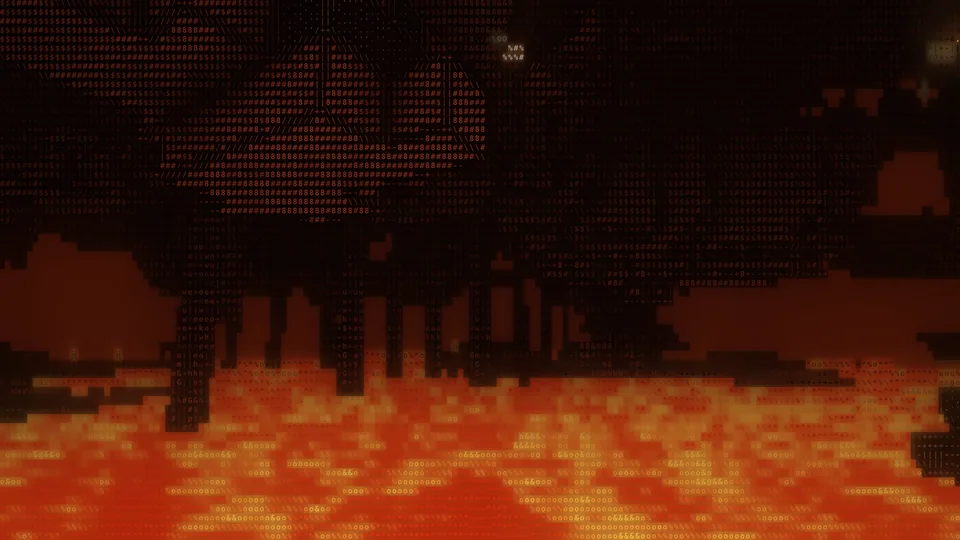
World 2
The Emberdeep
A cavern world over a sea of lava, crossed by fortress bridges. Cinderwisps, wailers and ashbrutes live here, and it is where you find ember wart for brewing.
How to get there. Build a 4 × 5 frame of obsidian, light it with flint and steel, and stand in it.
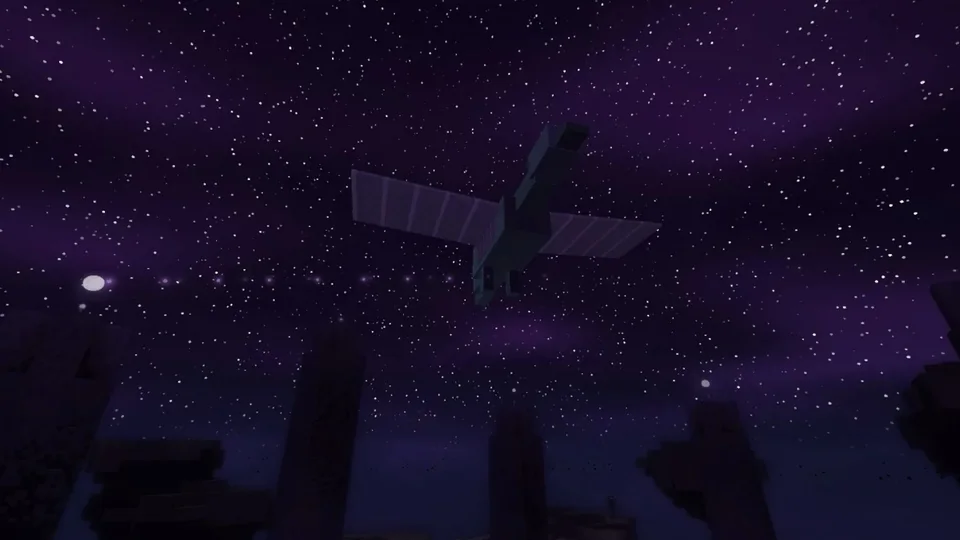
World 3
The Starfall Isles
Islands in a starry void. On the largest, a ring of dusk pillars holds the star crystals, and the Gloam Dragon circles overhead. The way home opens only when it falls.
How to get there. Find the star gate in the biggest crypt room and fill its twelve frames with star eyes.
In motion
Short clips from the game
Captured from the game itself. Click or tap a clip to play it.
Video: A rider on a saddled horse gallops west across a meadow and jumps, as the camera swings from the side to the front.
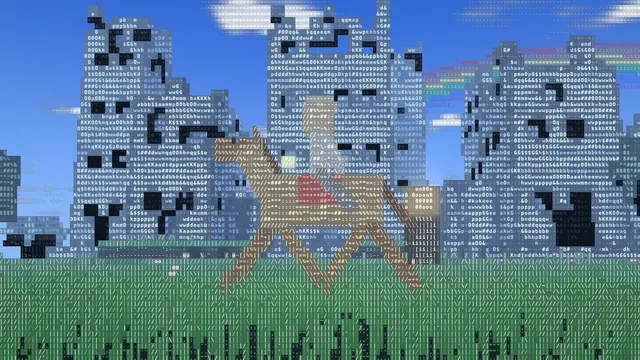
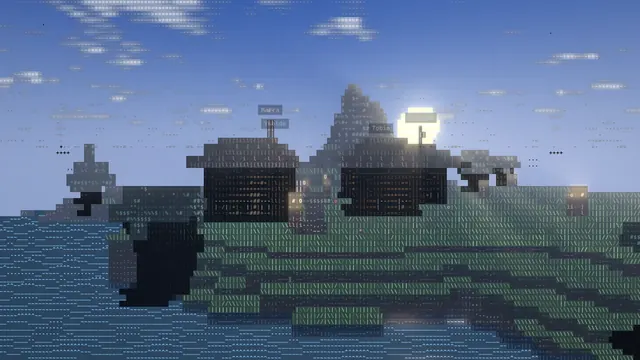
Riding across Lantern Meadow. 5 s Video: A time-lapse over the village from late afternoon to night: the sun sets, the sky turns pink and then dark, and the lanterns glow.
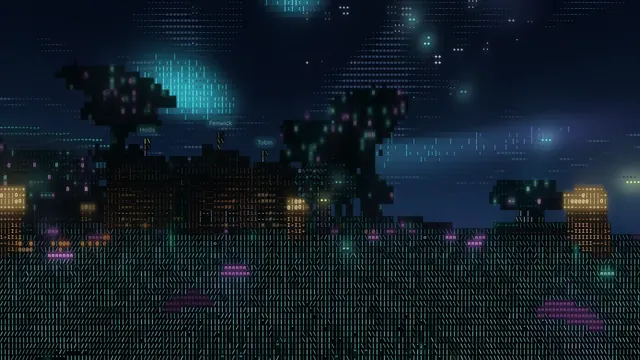
From afternoon to night. 7 s Video: A slow look across a Glowwood village at night: neon trees, lit windows and drifting sparks.
Glowwood after dark. 6 s Video: In the Comic look, a player in iron armour hits a zombie with a wooden sword, and comic words like WHAM!, SMACK! and BAM! burst from each blow.
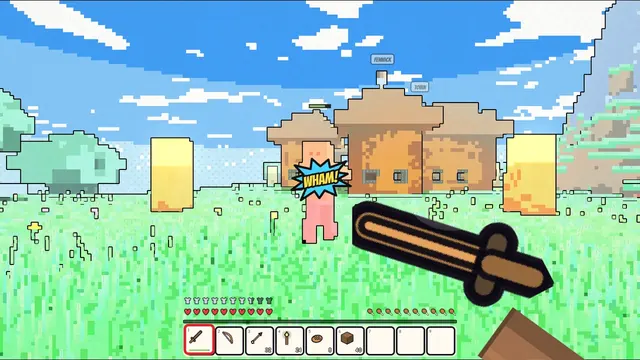
WHAM! Fighting in the Comic look. 5 s
Screens
Every screen follows the look too
Crafting, the creative palette, enchanting, trading and the menu.
Plays anywhere
On a computer, a tablet or a phone
Glitchcraft is one web page. Open it in an up-to-date browser and play: keyboard and mouse on a computer, touch controls on a phone or tablet. Saves stay in that browser.
Keyboard and mouse
- Move
- W A S D
- Look
- the mouse (click the game first)
- Jump
- Space (twice to fly in creative)
- Sprint
- Ctrl, or W twice
- Sneak
- Shift (you never walk off an edge)
- Hit, dig
- left click (hold to dig)
- Use, place
- right click
- Eat, draw a bow, block
- hold right click
- Inventory
- E
- Hotbar
- 1 to 9, or the wheel
- Drop
- Q
- Camera
- F5 or V
- Emotes
- G
- Hide the bars
- F1
- Menu, let go of the mouse
- Esc
Touch
- Move
- the left thumb
- Look
- drag anywhere else
- Use, place
- tap
- Hit
- tap a creature
- Dig
- hold your finger still on a block
- Bow
- hold still to draw, let go to shoot
- Eat, drink
- tap with food in hand
- Jump, sneak, drop
- the buttons on the right
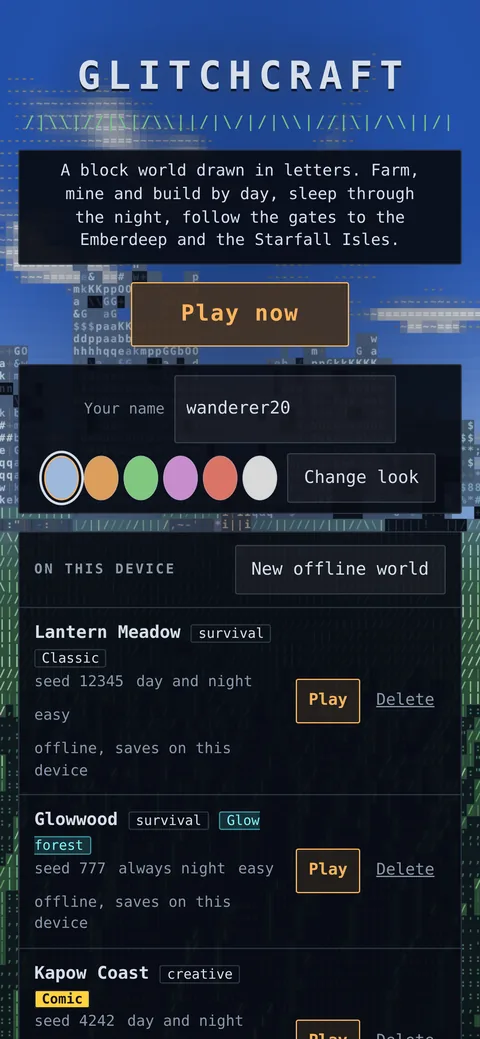
The title screen on a phone. 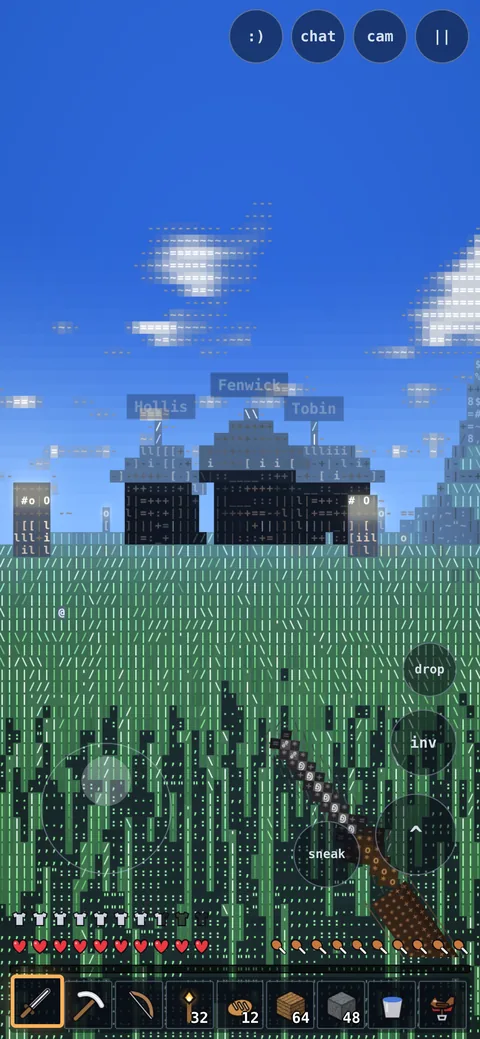
Touch controls on a phone.
Glitchcraft Lite
Ready to play?
Glitchcraft Lite is free and opens in your browser. Nothing to install, no account.